
Edit Excel formulas and choose between XLSX and CSV
Use the browser spreadsheet editor for cell changes and simple calculations, then download the result. Before opening a file, decide whether you need an XLSX workbook or a plain CSV table: they preserve different kinds of information.
Start with the format you want to keep
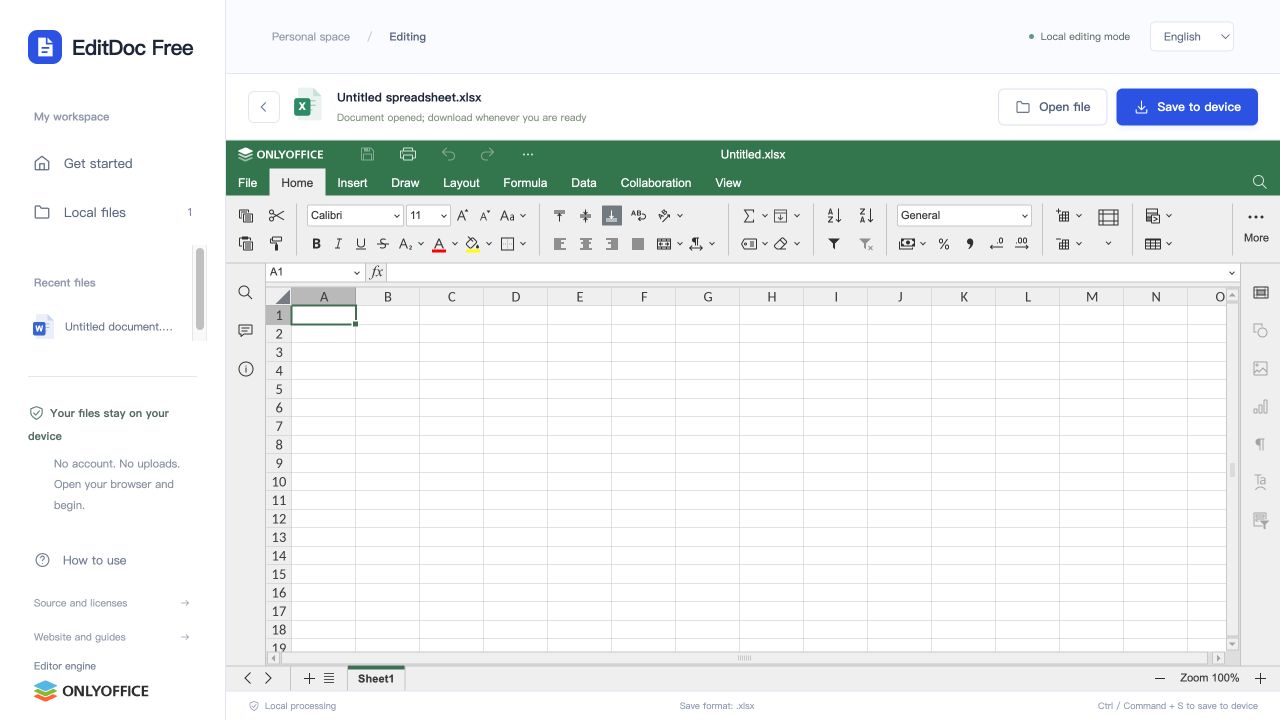
XLSX, XLS and ODS inputs export as XLSX. CSV inputs export as CSV. To keep sheets, formula behavior and styling, use an XLSX input or start a new Excel spreadsheet. Changing the downloaded filename from .csv to .xlsx does not turn a text file into a workbook.
Try a simple formula in a blank workbook
A small calculation makes it easy to check editing and export before working on an important workbook. This example should produce a total of 30.
- Enter 10 in A1 and 20 in A2.
- Enter =SUM(A1:A2) in A3 and confirm the displayed result is 30.
- Download the XLSX, reopen it, and inspect both the value and the formula in A3.
Check CSV data as text as well as numbers
CSV cannot represent a multi-sheet formatted workbook. When CSV is the right output, inspect the exported table in the application that will consume it. Number-like text is especially easy to misinterpret during import.
- Check that names containing commas, quotation marks or line breaks remain in the correct cells.
- Check leading zeros in identifiers, date-like strings, and decimal values.
- Check non-English characters in the downloaded CSV using the destination application’s encoding settings.
Download and verify the workbook
Choose Save to device and wait for the download. Reopen it to inspect formulas, number formats, sheet names and charts you rely on. Keep your original until those checks pass; browser library snapshots do not update after every keystroke.
Advanced formulas, external data connections and embedded objects may behave differently from desktop Excel. VBA macros are not executed. Use desktop Excel for final validation when your workbook depends on those features.